
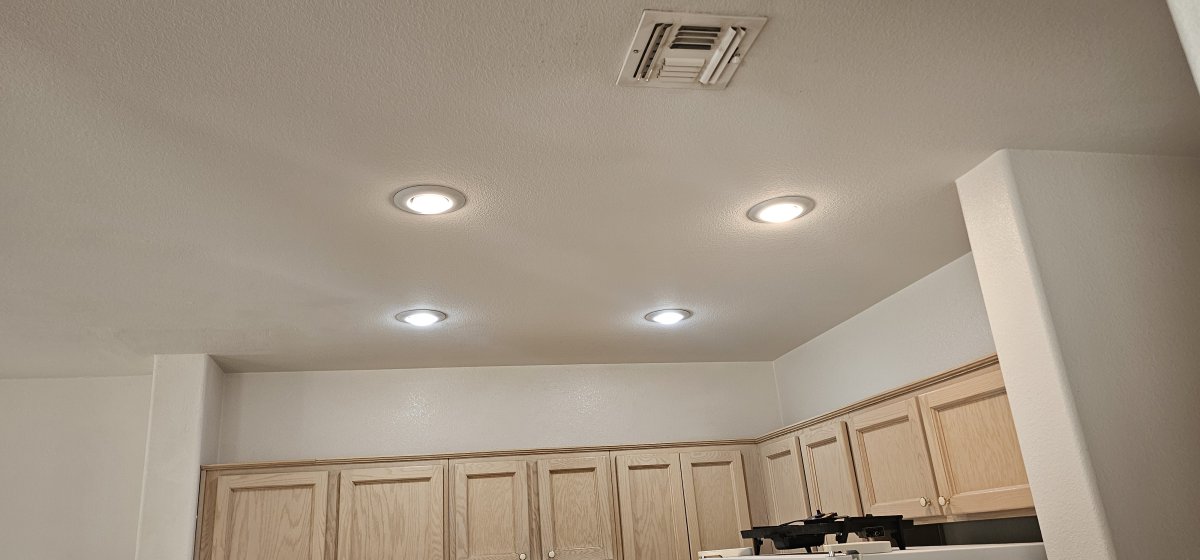
Table of Contents
- Flicker or Strobe? How to Tell What Your Lights Are Doing
- Start Here: A Visual Checklist for Flickering Lights
- Loose Bulbs, Bad Sockets, and Fixture Problems
- Dimmer Switch Compatibility and LED Driver Issues
- Why Do Breakers Keep Tripping? When Flickering Points to a Circuit Problem
- Electrical Panel Inspection: Is Your Panel Behind the Flicker?
- Heat, Smart Homes, and Other Flicker Triggers in the Las Vegas Valley
- Conclusion
- Frequently Asked Questions
Last Updated: September 16, 2026
Flicker or Strobe? How to Tell What Your Lights Are Doing
Flickering lights are one of the most common electrical complaints homeowners call about, and the pattern usually points straight to the cause. A flicker is a rapid, irregular shimmer; a strobe is a steady, rhythmic on-off pulse. Flicker usually means a loose connection or voltage problem; strobe usually means a driver or control issue inside the fixture.
- Flicker: irregular, random, often worse when appliances kick on
- Strobe: metronomic, evenly spaced, often tied to one fixture or one dimmer
- Pulsing: slow, soft brightness swings, usually a dimmer or LED driver problem
Start Here: A Visual Checklist for Flickering Lights
- Does the flicker affect one bulb, one fixture, one room, or the entire home?
- Does it happen only when a large appliance (AC, dryer, oven) starts?
- Does it stop when you turn the dimmer to full brightness?
- Does it happen on a switch you rarely use, or a fixture that gets bumped?
- Is the bulb a screw-in LED, a pin-base LED, or an older incandescent?
- Do you hear a buzzing or crackling sound at the switch or fixture?
- Does the flicker follow the bulb when you swap it to another socket?
If the flicker affects the entire house, or you smell burning at a switch or panel, stop and call a licensed electrician. Those are not DIY symptoms.
If the cause of the flickering isn’t obvious, professional electrical troubleshooting can determine whether the problem is coming from a branch circuit, loose connection, breaker, panel, or service connection.
Loose Bulbs, Bad Sockets, and Fixture Problems
Loose or worn bulbs and degraded sockets cause more flickering complaints than any other single issue. A bulb that is not seated fully, or a socket with a worn center contact, creates an intermittent connection that arcs as the fixture heats and cools. In Las Vegas, where fixtures run hot for months, that expansion and contraction accelerates the problem.
Check these first:
- Power down the circuit at the breaker before touching any socket.
- Reseat the bulb firmly, but do not overtighten. Over-tightening crushes the center contact.
- Inspect the socket for dark scorch marks, corrosion, or a flattened center tab.
- Swap the bulb into a known-good fixture to see if the flicker follows.
- Check the fixture wiring at the terminal screws if the socket looks fine but the flicker persists.
Dimmer Switch Compatibility and LED Driver Issues
Incompatible dimmer switches are the leading cause of flickering in modern LED lighting, and most homeowners never suspect the switch. An incandescent dimmer was designed for a resistive load that pulls real wattage; an LED pulls a fraction of that and behaves like a non-linear electronic load. When the dimmer’s minimum load is not met, it cannot hold a stable conduction angle, and the LED driver sees a choppy input.
- Leading-edge (forward phase) dimmers were built for incandescent and halogen. They chop the front of the AC waveform and often do not play well with LED drivers.
- Trailing-edge (reverse phase) dimmers chop the back of the waveform and are the correct match for most dimmable LED drivers and electronic low-voltage transformers.
Isolate the Problem in Four Steps
Before replacing anything, run this sequence to separate a dimmer fault from a driver fault from a bulb fault.
- Bypass the dimmer temporarily. If the fixture is on a dimmer, have a licensed electrician wire it to a standard toggle switch on the same circuit. If the flicker stops, the dimmer is the cause. If it continues, the problem is downstream.
- Test at full brightness. A dimmer that only flickers at low output is a minimum-load or compatibility issue. A dimmer that flickers at full output is usually a failing dimmer or a loose connection.
- Swap one bulb at a time. On a multi-lamp fixture, replace a single lamp with a known dimmable LED of the same type. If only that position stabilizes, the original lamp was the problem. If all positions still flicker, the driver or dimmer is at fault.
- Count the load. Add up the rated wattage of every LED on the dimmer. If the total falls below the dimmer’s published minimum load, that alone explains erratic behavior. A single dimmer running two 9-watt LEDs is a classic offender.
When the Driver Is the Culprit
The LED driver is the small power supply built into the fixture housing or bulb base, converting 120-volt line power to the low DC voltage the LEDs need. Drivers fail in predictable ways:
- Even, rhythmic strobe on a fixture with a new bulb usually means the driver’s output capacitor is degrading.
- Flicker that starts after the fixture warms up points to a driver overheating, which is common in recessed cans with poor attic-side airflow.
- Flicker that only happens on dim points to a driver that is not rated for the dimmer’s phase type.
- Flicker on a fixture with an integrated (non-replaceable) LED board means the whole fixture is the serviceable part. There is no bulb to swap.
The Compatibility Trap Most Homeowners Miss
If you have replaced the dimmer with a correctly rated unit, confirmed the bulbs are dimmable, and the flicker persists, the next step is a driver-level diagnosis. That is bench work with a meter, and it belongs with a licensed electrician rather than a homeowner on a ladder.
Why Do Breakers Keep Tripping? When Flickering Points to a Circuit Problem
Flickering lights and a breaker that keeps tripping are often the same story told two ways: the circuit is overloaded or a connection on that branch circuit is failing. When too many loads share one circuit, voltage sags each time a large appliance cycles on, and every light on that circuit dims or flickers in rhythm.
|
Symptom |
Likely Cause |
What It Means |
|---|---|---|
|
Lights dim when AC or dryer starts |
Overloaded circuit or shared neutral |
Load exceeds what the circuit can carry |
|
One room flickers, breaker holds |
Loose connection on the branch circuit |
Heat is building at a bad splice or terminal |
|
Breaker trips repeatedly |
Sustained overload or short |
Stop using the circuit and call an electrician |
|
Flicker only on one switch leg |
Faulty switch or backstab connection |
The switch is failing and needs replacement |
|
Whole-house flicker |
Utility supply or main panel issue |
Requires utility or licensed electrician diagnosis |
Electrical Panel Inspection: Is Your Panel Behind the Flicker?
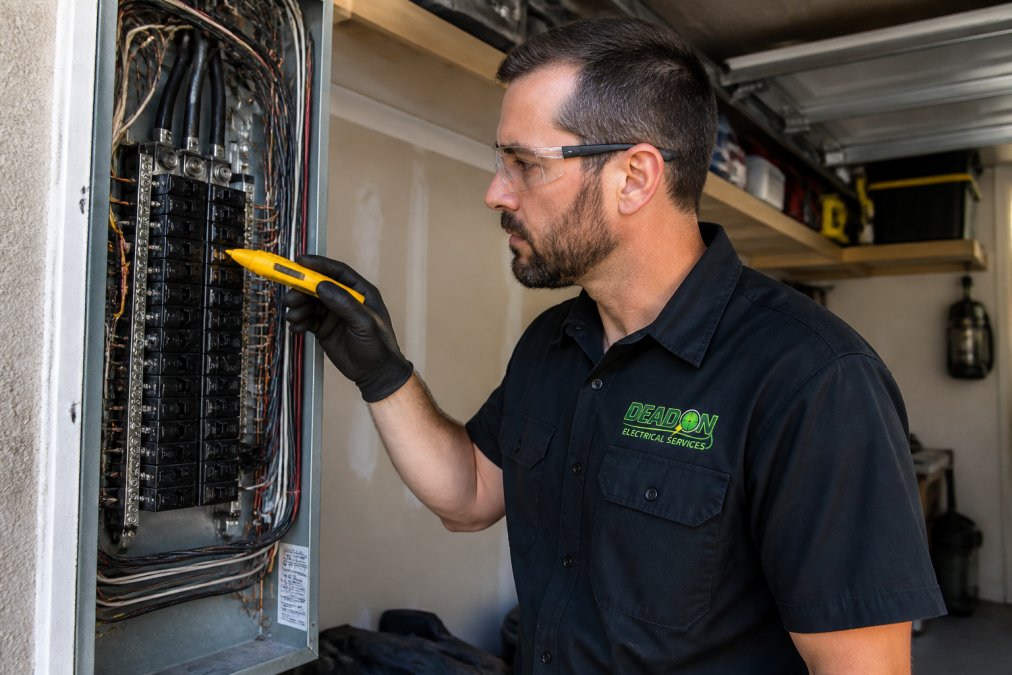
A failing electrical panel can cause flickering lights throughout the home. The panel is where the utility’s two hot legs and the neutral meet the branch circuits, and every 120-volt circuit shares that neutral bar. If the neutral connection at the main lug or bus bar loosens, the return path becomes unstable, and voltage on one leg rises while the other sags.
What Actually Goes Wrong Inside a Panel
- Loose breaker terminals. The breaker holds the branch wire under a lug. Heat cycling over years loosens that lug. The result is resistance, then heat, then intermittent contact.
- Loose neutral at the bus bar. This is the whole-home flicker cause. A loose or open service neutral can cause dangerous voltage imbalances between 120-volt circuits, leading to lights getting unusually bright or dim and potentially damaging equipment.
- Double-tapped breakers. Improperly double-tapped breakers. Two conductors under a breaker that isn’t designed for them can create a poor connection and should be corrected.
- Corroded or rusted bus bars. Moisture intrusion, common in garages and exterior-mounted panels, corrodes the aluminum or copper bus and degrades every connection on it.
- Undersized service for the load. A panel sized for a 1970s home cannot carry a modern load with EV charging, pool equipment, and central AC without voltage sag.
Signs Your Panel May Be Behind the Flicker
- Breakers that feel warm or hot to the touch
- A burning or acrid smell near the panel
- Rust, moisture, or insect debris inside the enclosure
- Flickering that affects multiple unrelated circuits at once
- Lights that dim when a 240-volt appliance starts
- A panel that has never been inspected, or a brand with a known failure history
- Audible buzzing or humming from the panel itself
What an Inspection Actually Checks
Depending on the symptoms and scope of the inspection, an electrician may check:
- Breaker torque checked to the manufacturer’s specification with a calibrated driver
- Bus bar condition and tightness of every neutral and ground termination
- Main lug torque and service conductor condition
- Verification that no breaker is double-tapped and no breaker is oversized for its wire
- Thermal scan of the panel under load to find hot terminations
- Confirmation that the panel has capacity for the home’s current and planned load
If your panel is more than 25 to 30 years old and you have added major loads such as a Level 2 EV charger, a pool pump, or a second AC unit, an inspection is worth scheduling even without symptoms. Flickering is often the last warning before a bigger failure.
Heat, Smart Homes, and Other Flicker Triggers in the Las Vegas Valley
Extreme heat is a genuine flicker trigger in the Las Vegas Valley. Fixtures in garages, patios, and pool areas run at high ambient temperatures for months, which degrades LED drivers faster, loosens terminal connections through expansion and contraction, and pushes dimmers past their thermal limits. Outdoor and pool lighting takes the worst of it.
Environmental factors matter too:
- Voltage fluctuations from the utility during peak summer demand
- Pool and spa equipment cycling on a shared circuit, causing voltage drop
- Outdoor fixtures with water intrusion at the gasket or socket
- Attic and garage heat cooking drivers and dimmers well above their rating
Conclusion
Flickering lights are a symptom, not a diagnosis, and the pattern is the fastest clue you have. Start with the bulb swap, work through the fixture and dimmer, then look at the circuit and panel. If the flicker affects multiple circuits, if you smell burning, or if a breaker keeps tripping, stop and bring in a licensed electrician.
Frequently Asked Questions
How do I figure out why my lights are flickering?
Start by noting the pattern. If one fixture flickers, check the bulb, socket, and dimmer. If multiple rooms flicker at once, the problem is likely upstream in a shared circuit or the panel. Tighten bulbs, swap in a compatible LED, and watch for flicker during high-demand appliances like the AC. Anything involving the panel or repeated breaker trips should be diagnosed by a licensed electrician.
Why are my lights flickering even though the bulbs are fine?
Good bulbs can still flicker when the fixture itself has a loose connection at the terminal, when an incompatible dimmer switch is feeding them, or when voltage fluctuates on the branch circuit. A voltage tester or multimeter at the outlet will show whether supply voltage is stable. If it is not, the issue is in the wiring or panel, not the bulb.
Are flickering lights a sign of a failing electrical panel?
They can be. Flickering across several rooms, especially when large appliances kick on, often points to a loose neutral wire, a failing breaker, or a panel that cannot handle the electrical load. An electrical panel inspection by a licensed electrician confirms whether the panel is the source and whether repair or replacement is needed.
When should I be concerned about flickering lights?
Treat flickering as urgent if it comes with a buzzing sound, a burning smell, scorch marks, or breakers that keep tripping. Those signs point to an electrical hazard like a loose connection or overloaded circuit. Shut off the affected circuit and call a licensed electrician rather than continuing to use it.